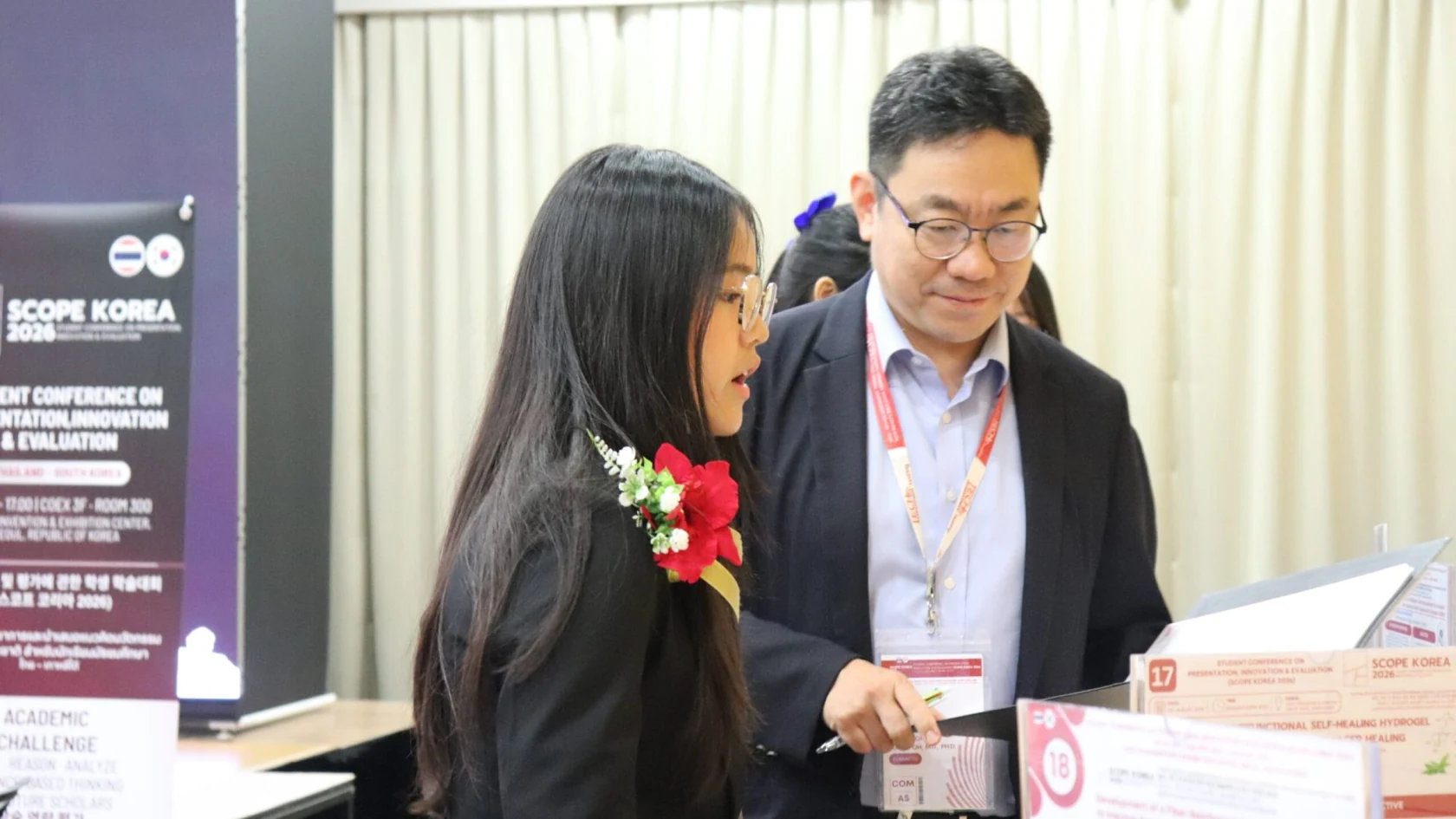



Understand progress.
See the next step.
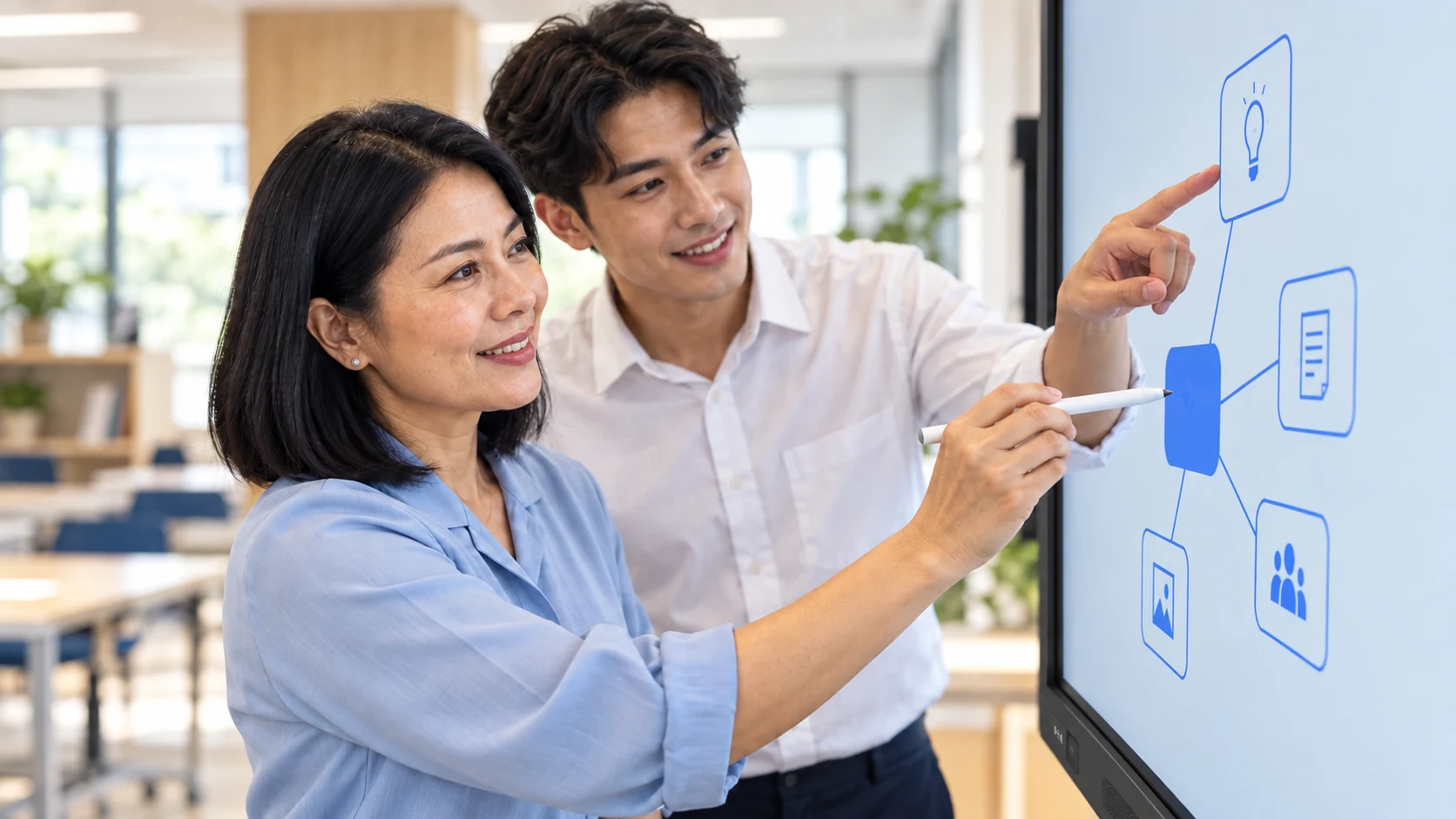
AI-generated contextual illustrations, not photographs documenting an actual event. Check programme details through the original sources.
Understand the criteria. Use the feedback.
Browse these sections · 5
Assessment that informs the next step
A useful assessment identifies the knowledge being assessed, the evidence used and how results will be interpreted. This page explains how to read criteria and use feedback; it is not an individual learner score report or an outcome claim.
Before the assessment
- Use the announcement and guide for the correct programme, track and round. Check eligibility, format, language and timing.
- Read submission or examination instructions, document requirements and support channels. Discuss any specific needs before the deadline.
- Prepare your own work and record its sources. Distinguish tested findings from concepts and expected outcomes.
Turn feedback into action
Separate feedback into well-supported strengths, unclear explanations and matters requiring further testing. Choose a priority, revise the work and retain both versions. This makes it possible to see how the feedback was used.
Results and review requests
Follow the criteria, result notification method and review period published for that activity. Retain your application reference and relevant evidence. If something appears incorrect, identify the precise item for review without submitting another applicant’s information.
A score-review window is separate from personal-data rights. The end of a review window does not itself remove statutory rights to request access or correction.
Guides and related information
TECH Education testing guide ↗ · SCOPE KOREA conditions ↗
The AI-generated illustration does not establish participants’ identities, scores or selection status.
About these images AI
Service scenes are AI-generated illustrations, not records of actual installations or events. The photograph identified as the CEO is the original company photograph.
Download the reference media retained from the previous website. For project facts, follow the original links in the content.