
Skip to content
TIIS — TECH INFINITY INTERNATIONAL SOLUTION

One space.
For every idea.

TIIS BOARD

Interactive displays for
learning and collaboration

AT A GLANCE

An interactive display chosen for your room

TIIS BOARD brings displays, software and accessories together for classrooms, meetings and training. Compare ULTRA and PRO QLED against your room, users and existing systems. Hardware carries a 1-year warranty and software a 3-year warranty, subject to the documents for your purchase.

Have an idea, but need a clearer starting point?

Help me shape my brief ↗
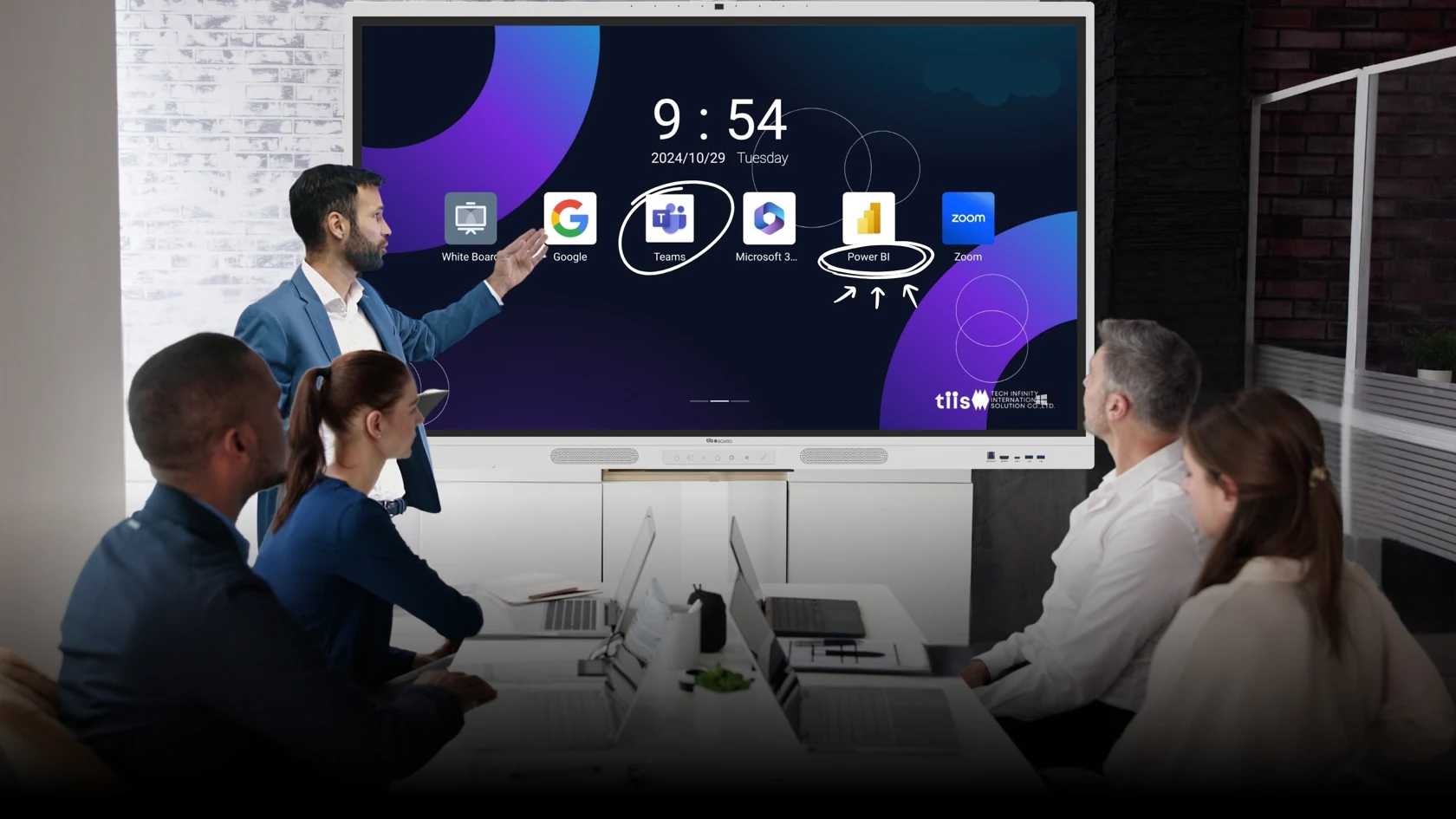
AI-generated illustration: A team develops an idea on an interactive display

Interactive displays for presentations, learning and collaboration. Choose an approach that fits the room, its users and the organization’s existing systems.

EMPOWER EVERY INTERACTION

More possibility.
In every interaction.

TIIS BOARD brings interactive displays and collaborative learning spaces to classrooms, meetings and training. Displays, software and accessories are considered together around each organization’s use.

TIIS BOARD

Select a display and model around the room, number of users, presentation format and existing systems, making content visible and participation practical.

TIIS Software

Consider the software and tools needed for annotation, presentations, content sharing and learning activities. Confirm included applications and license terms in the proposed package.

TIIS Accessories

Specify suitable mounting, stands, connections and meeting equipment. Confirm compatibility and the accessories included in the proposal.

Designed around your space.

Meeting rooms

Present, annotate and share content in one space.

Classrooms & training

Support participation through visual content and learning activities.

Enterprise & industry

Display information, explain processes and share knowledge with teams.

Choose around your needs.

Core specificationULTRA 2026PRO QLED 2026
DisplayDLED 4KQLED 4K
SystemAndroid 14 EDLAAndroid 14 EDLA
Memory8GB / 128GB16GB / 256GB
Audio60W60W
Integrated cameraAsk about accessories48MP · 8-array microphone

Summary of published TIIS BOARD 2026 model information. Confirm size, accessories, warranty and terms in the quotation.

From the room’s needs
to adoption.

Understand the workflow

Review users, room size, presentation content and connected equipment.

Demonstrate & select

Try the relevant functions and select a suitable display, software and equipment configuration.

Deliver & guide

Agree delivery, installation, user guidance and after-sales service in the proposal.

EXPERIENCE & SUPPORT

See it in use.
Choose with context.

Arrange a demonstration at TIIS Srinakarin, our showroom, office and training space for government, business and education clients. Share room information, existing equipment and the tasks you want to explore so the session can focus on your needs.

PRACTICAL INFORMATION

Details to help you plan and decide

Browse these sections · 6

Start with the room and its users

Before choosing a model, define the audience, farthest viewing position, lighting and tasks: shared writing, remote meetings or lessons with mixed media. A demonstration using your own files and devices can reveal practical limitations that a specification sheet cannot.

  • Share room dimensions, wall or floor-space photographs, and power/network locations to assess installation.
  • Identify meeting platforms, organization accounts, existing devices and network restrictions.
  • Name the device administrator and primary users. Define acceptance tasks such as writing, saving, casting and an audio/video call.

Included equipment and optional items

The supply scope depends on the model, size and quotation. A mobile stand, OPS computer, conference camera, additional microphones and cabling should not be assumed to be included.

CheckWhat the proposal should state
Display and box contentsModel, size, quantity, pens, cables and supplied mounting hardware
InstallationWall or stand mounting, service location, additional work and site responsibilities
Computer and softwareSeparate hardware, operating system, license scope, term and any renewal fee
Training and acceptanceUser orientation, manuals, acceptance checks and support contacts

Accounts and software licenses

Android and Google service support do not include every paid application license. Meeting accounts, cloud storage, office software and device management may have separate provider terms. Check user limits, offline use, export options and recurring costs before purchase.

For shared rooms, the administrator should decide which accounts and app permissions are permitted and how session data is removed. Avoid leaving personal accounts, meeting documents or student information on the shared device.

Warranty and support

TIIS BOARD provides a one-year hardware warranty and a three-year software warranty. Parts coverage, on-site service, travel charges and exclusions follow the warranty and quotation for the purchased item.

  • Prepare the model, serial number, purchase date and proof of purchase, plus a photo or video of the fault without confidential information.
  • Provide the installation location, contact person and suitable visit times. Do not send passwords or account verification codes.
  • The service team should confirm the remedy, appointment and any out-of-scope charges before work begins.

After-sales service ↗ · Downloads ↗

Before you decide

Can it replace a computer?

It depends on the applications. Windows or specialist workflows may require an external computer or OPS module. Test the actual workflow before finalising the specification.

Does the display alone make a complete video meeting room?

Check the camera, microphones, speakers, network and meeting-account permissions together, including room coverage and the number of speakers.

How can I compare total cost?

Request an itemized proposal covering the display, accessories, installation, software, services, taxes and warranty so that quotations cover the same scope.

Deposit and installation charges

The standard deposit is 50% of the quoted amount, with the remaining payment schedule stated in the order documents. Installation and travel charges depend on distance and site scope. Request the charges and the cancellation, refund or rescheduling terms before paying the deposit.

Tell us what you need

Arrange a conversation
About these images AI

Service scenes are AI-generated illustrations, not records of actual installations or events. The photograph identified as the CEO is the original company photograph.

Download the reference media retained from the previous website. For project facts, follow the original links in the content.

A LITTLE CLARITY

Answers that help you move forward.

What is the TIIS BOARD warranty?

TIIS BOARD has a 1-year hardware warranty and 3-year software warranty. Parts, on-site service, travel charges and exclusions follow the warranty document and quotation for your purchase.

Read details ↗
How do I get an itemized quotation?

Request an itemized quotation covering model, size, accessories, software, installation, travel and tax. This website does not provide a confirmed price for every scope. Share your service, quantity, location and preferred timing so the team can confirm a proposal.

Read details ↗ Read details ↗
What should I prepare for a site check?

Share the model, quantity, location, site photos or dimensions and preferred timing. SUKHA needs the existing toilet, water and power checked; displays need room layout, viewing distance and connected devices reviewed. The team confirms scope and charges before arranging work.

Read details ↗ Read details ↗

Answers reviewed on 26 September 2026 against company information and the cited website pages.
YOUR PRIVACY. YOUR CHOICE.

Choose what works for you. Reading information and asking TINO remain available with either option.

Necessary preferences

Stores your cookie choice and dismissed greetings so we do not ask repeatedly. This does not include conversation content.

On

Analytics & advertising

These tools are not used in this release.

Not used

Your choice is stored for 90 days in this browser. Change it at any time using Cookie settings in the footer.

TINO

Automated information guide · not live staff

Preparing information…