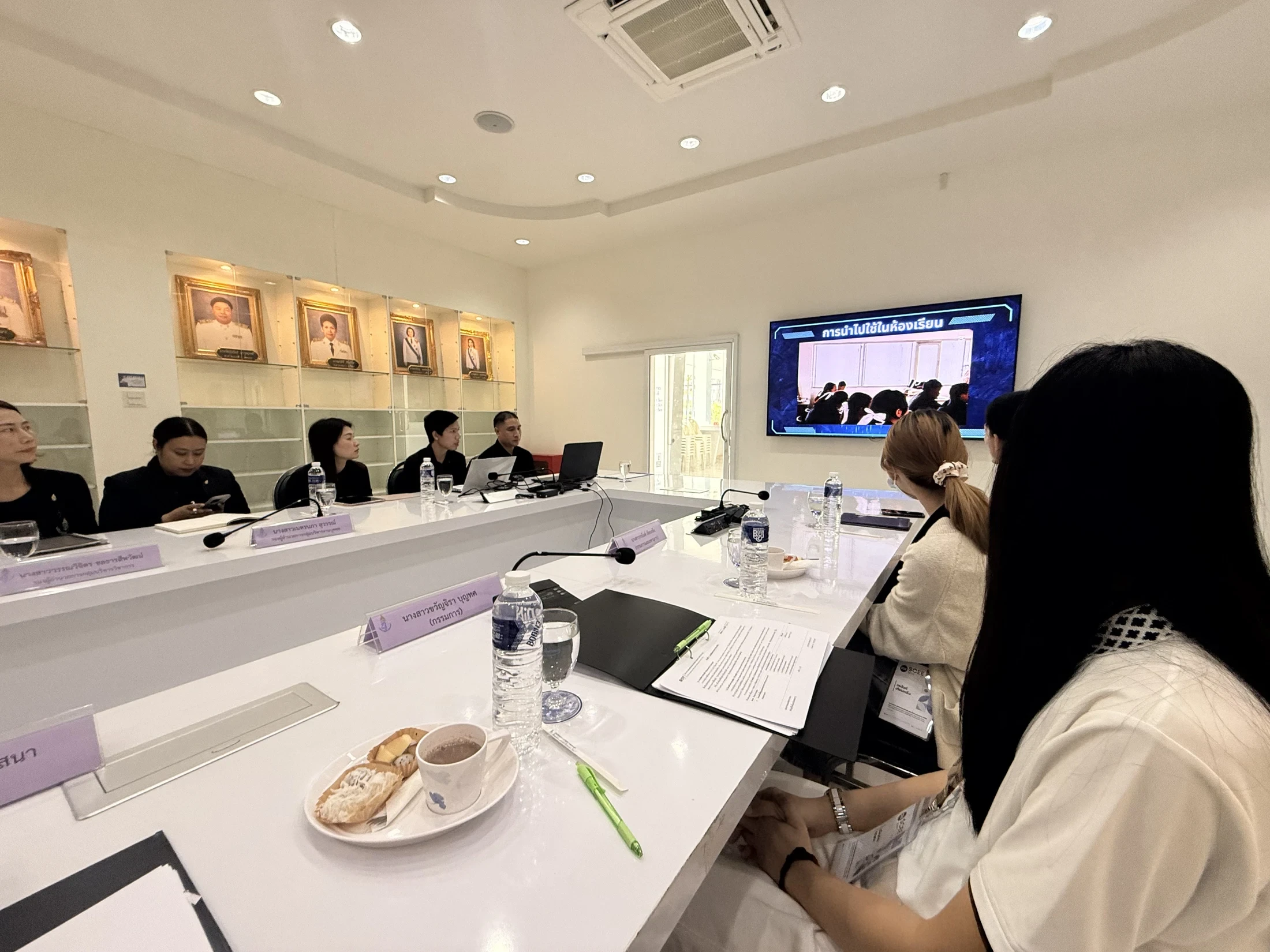



A clearer display can make a lesson easier to present. It does not automatically tell us whether students understand more. The more useful questions are whether learners can explain a decision, recognize an error and apply an idea to an unfamiliar problem. Those are outcomes a school can examine without turning every lesson into a research project.
This guide proposes a small trial within one unit of study. The examples and four-week schedule are editorial planning suggestions, not findings from a named school. Adapt the pace to the subject, learners and time available.
1. Describe what learners should be able to do
“Use the display in every lesson” measures equipment use. “Explain which of two solutions is more appropriate and why” describes a capability. The second goal makes it easier to choose an activity and decide what work would demonstrate progress.
Choose one or two capabilities for the first trial. Before teaching, agree what a beginning response and a successful response look like. Teachers can compare a few sample pieces of work to identify differences in their interpretation of the criteria. This is more useful than discovering those differences after scoring a whole class.
| Intended improvement | Evidence to examine | What it cannot establish alone |
|---|---|---|
| Explain a decision | Answers with reasons before and after learning | Touching the screen more often does not demonstrate understanding |
| Correct a misconception | An original response and an explained revision | A higher score does not identify the cause of improvement |
| Apply an idea | An independent task in a new context | One group product does not show every member’s capability |
2. Give the technology a specific teaching role
A shared display can help a class compare alternative explanations, annotate a graph or revisit the steps in a solution. It is less useful as a reason to have everyone watch the front of the room throughout a lesson. Build in time for individual thought, discussion and independent revision.
For example, ask each learner to interpret a graph and write a reason. Display several contrasting responses without names. Ask which evidence would help resolve the disagreement, then have learners revise their own answer. The important evidence is the change in reasoning, rather than the appearance of the final screen.
If you are considering TIIS BOARD, bring a teaching sequence like this to the demonstration. Ask teachers to open their files, annotate, compare responses and export the result themselves. That tests the intended workflow and reveals any steps that still require support.

After installing a display, ask what learners can do better—and how you know.TIIS Insights
3. Leave room to act on feedback
EEF connects feedback with learning goals and improvement in learners’ work. [1] A practical application is to identify a next action: “Explain which part of the graph supports your answer” gives the learner something more specific to do than “Add detail.”
Reserve time for a revision and a short explanation of what changed. Collecting only the teacher’s comments shows what feedback was given; it does not show whether the learner could use it. Teachers do not need to write lengthy individual notes on every task. A shared explanation of a common misunderstanding may be a manageable first intervention.
The IES practice guide also discusses spacing learning and retrieving knowledge. [2] One application in this trial is a short question in a later lesson, using a related example that has not already been rehearsed. Keep this separate from an immediate correction so the two pieces of evidence answer different questions.
4. Collect enough evidence to make a decision
Start with three pieces: an initial task, a revised response after feedback and a later application. Use consistent criteria. Add a brief teacher note on preparation time, technical problems and barriers to participation. Avoid collecting additional information simply because a platform makes it available.
Look beyond the class average. Review work from learners with different starting points and note who could not access an activity. If some students improve while others cannot read the content or complete the follow-up at home, that belongs in the evaluation. Use coded examples where names are unnecessary and restrict access to the work.
| Suggested period | Main action | Evidence for the review |
|---|---|---|
| Week 1 | Agree goals and complete a starting task | Initial understanding and shared criteria |
| Week 2 | Try the activity and give feedback | Learning difficulties and teacher workload |
| Week 3 | Revise and attempt a new problem | Changes in reasoning and remaining gaps |
| Week 4 | Review the evidence together | A reasoned decision to continue, change or stop |


5. Interpret the result before expanding
If equipment, teaching activities and feedback all change together, an improvement cannot be attributed to the equipment alone. Differences in task difficulty, extra practice and familiarity may also matter. Use the first cycle to improve the next trial rather than announce a causal success claim.
Before expanding, ask whether another teacher can use the approach without depending on the original champion. Check that example files, basic troubleshooting and ongoing support are available. A useful approach must survive an ordinary lesson after the launch team has left.
Explore the context of classroom development through SCEE and the SCEE website. EICD Office offers a starting point for discussing learning and capability-development needs. Agree the scope, evidence and deliverables for any proposed project explicitly.
Before your first trial
If you take only one step tomorrow, select a piece of student work and ask your colleagues what meaningful progress would look like in it. That answer gives technology a clearer purpose than a specification sheet can.
References and further reading
Use these primary sources to check the supporting information. Examples, tables and trial plans in this article are editorial proposals.
- Education Endowment FoundationTeaching and Learning Toolkit: Feedback ↗
Actionable feedback and the limits of transferring research findings between contexts.
- Institute of Education Sciences / What Works ClearinghouseOrganizing Instruction and Study to Improve Student Learning (2007) ↗
Spacing practice over time and retrieving knowledge from memory.
Discuss learning goals and assessment
Start with the service information, then discuss a scope suited to your setting, users and goals.
Explore the related service